


Website First · Smartly Complement with Social Media
DIRSCHL Social Media – Instagram and Facebook Directly in WordPress.
Your website remains your marketing foundation. The plugin brings current social media content to where customers find services, references, and contact options.
Instagram and Facebook Page posts appear as responsive feeds on your website. Visitors can view content, open it in a lightbox, and then switch directly to the original post or channel.
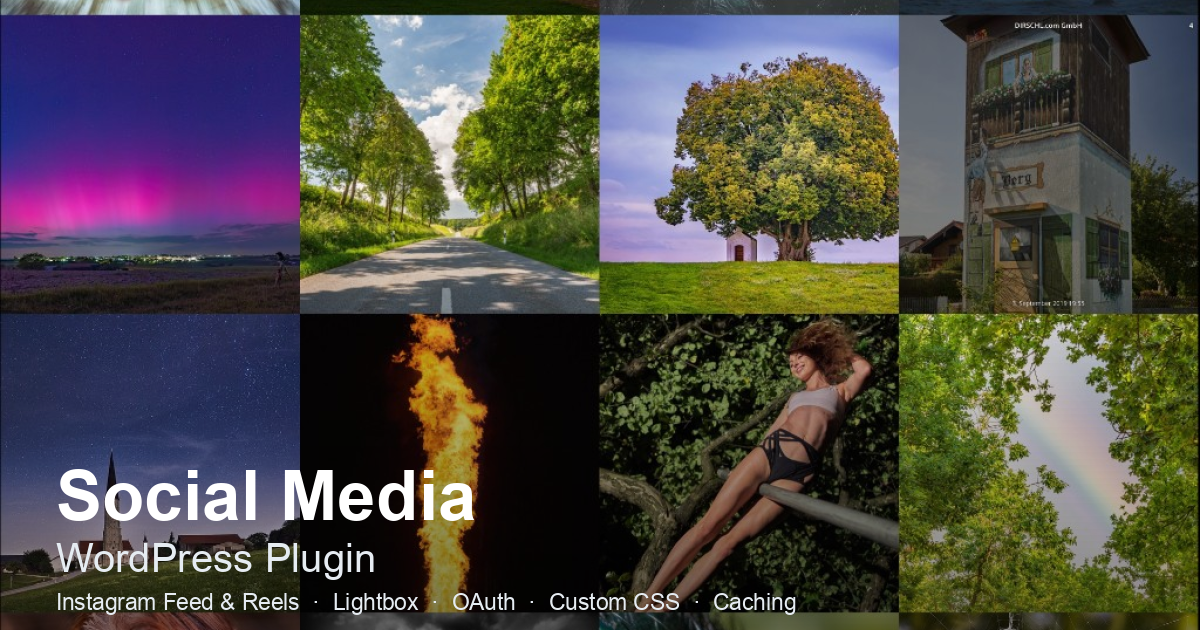
Premium Plugin · Version 1.0.153 · Meta Graph API v26.0
Install and update Instagram feeds, Reels, and Facebook Page posts via the DIRSCHL Hub with an active product license.
Why We Recommend "Website First"
Platform Reach Is Valuable – But Your Website Is the Controllable Center of Your Marketing.
Social media thrives on reach, followers, and recurring activity. This visibility must be built and maintained. At the same time, platforms decide on content delivery, formats, and access. In contrast, your own website remains permanently accessible under your domain and directly connects content with services, references, search engine visibility, and contact channels.
The most sensible strategy is therefore not an either-or: Social media gains attention and creates proximity. The website bundles information, deepens topics, and guides interested parties to inquiries. DIRSCHL Social Media connects both areas.
Your Own Foundation
Service pages, references, prices, FAQs, and contact channels remain structured and permanently accessible on your own domain.
Additional Reach
Instagram and Facebook reach existing communities and quickly make new posts visible – provided reach is continuously built.
A Unified Process
Social posts are reused on the website. Visitors discover current content and can switch directly to the original post or channel.
One Publication, Multiple Touchpoints
Social Media Posts Automatically Keep Relevant Website Sections Up-to-Date.
After connection, the plugin retrieves published posts via the Meta Graph API and stores successful responses in the WordPress cache. New feed data is regularly updated in the background. This allows current posts to appear on homepages, news sections, campaign, or reference pages without manually creating each piece of content again in WordPress.
The content separation remains important: an embedded feed complements permanently maintained website content but does not replace meaningful service and offer pages.
1. Post on Social Media
Photos, videos, Reels, multi-image posts, or Facebook Page posts are published on the respective platform as usual.
2. Automatic Import
The plugin regularly updates the cache and feed snapshot and continues to deliver stored content even during a temporary Meta outage.
3. Display on the Website
Shortcodes place the desired channel as a responsive grid with lightbox, captions, navigation, and optional pagination.
4. Lead to the Platform
Channel, post, and share links guide interested visitors directly to Instagram or Facebook.
Instagram and Facebook on Your Website
Two Platforms, One Unified WordPress Experience.
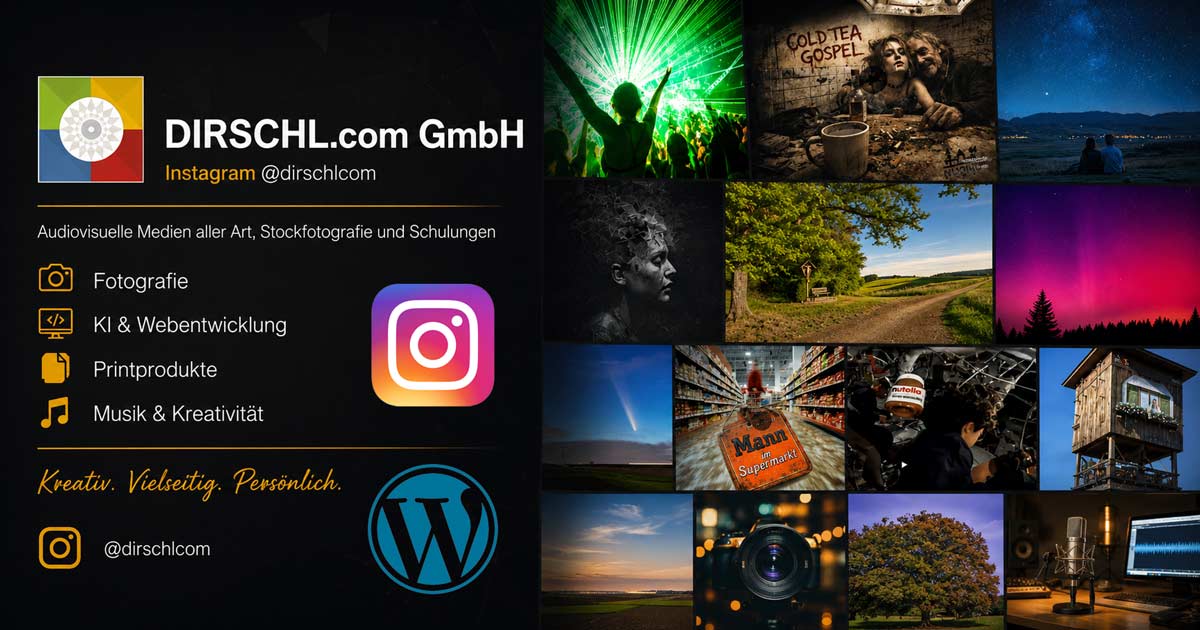
Feed, Reels, images, videos, and carousel posts appear in a grid layout. The lightbox displays caption, thumbnails, navigation, sharing options, and a link to the original post.

Facebook Pages
Public Page posts can be displayed with full text, images, videos, link previews, multiple media, and direct Facebook links. Personal profiles are not a supported API source.
Current Features
More than a simple Instagram grid.
Feeds & Media
- Instagram Feed and Reels
- Facebook Page Feed
- Photos, videos, and carousels
- Facebook link cards and text posts
- multiple connected channels
Display
- 1 to 12 columns
- configurable spacing
- Lightbox with previous/next navigation
- Caption and thumbnail bar
- Fullscreen and sharing features
Performance & Operation
- Feed cache and long-lived snapshot
- Background refresh
- Lazy Loading and AJAX
- Token maintenance via Cron
- WP-CLI diagnostics
Installation and Updates via the DIRSCHL Hub
Securely connect and maintain Social Media as a premium plugin.
Current Plugin Version: 1.0.153 · WordPress 5.8+ · PHP 7.4+ · GPL-2.0-or-later
DIRSCHL Social Media is a premium plugin. The DIRSCHL Hub handles license verification, installation, and updates. The Meta app, Page access, and OAuth credentials always originate from the operator's own Meta account.
1. Install Hub
The Hub itself is free and manages the license and the premium package.
2. Activate License
Enter the product license in the Hub and install and activate DIRSCHL Social Media in the Premium Plugins section.
3. Connect Your Own Meta Account
Configure your own Meta app and OAuth connection. The release does not contain any DIRSCHL credentials, accounts, tokens, or API keys.
Set Up Meta Connection
The guided assistant will walk you through connecting your Facebook Page and Instagram.
For Instagram, you need a Business or Creator account connected to a Facebook Page. For Facebook, a managed Page is required; personal timelines cannot be loaded as a feed via the Meta API.
1. Check Requirements
Ensure you have an HTTPS website, WordPress administrator access, a Meta developer account, and administrative rights for the Facebook Page and the connected Instagram account.
2. Create Meta App
In the onboarding process, copy the redirect URL, create a Meta app with a suitable Instagram/Content use case, and enter the URL in the app.
3. Save Credentials
Enter the App ID, App Secret, and Login Configuration ID under Social Media → Connection. Secrets and tokens remain in WordPress.
4. Connect to Facebook
Start OAuth, confirm permissions, and select the managed Pages or connected Instagram accounts.
5. Manage Channels
Instagram and Facebook Page slugs appear in the Channels tab. Test the connection, set the cache duration and background interval.
6. Insert Shortcode
Copy the appropriate channel slug and insert the shortcode into Divi, a page, a post, or a widget area.
Shortcode Instructions
Directly specify platform, channel, columns, and lazy loading.
Standard and Instagram
[dirschl_social_media]
[dirschl_social_media account="mein-kanal" cols="4" gap="8"]
[dirschl_social_media type="reels" count="12"]
Without an account, the active channel is used. type="reels" filters Instagram Reels.
Facebook and Load More
[dirschl_social_media account="meine-facebook-page" platform="facebook" cols="4" gap="8"]
[dirschl_social_media pagination="1" count="12"]
pagination="1" displays a Load More button. Without pagination, the feed continues to load as you scroll, if additional posts are available.
Supported Attributes
platform:instagramorfacebookaccount: Channel slug from the 'Channels' tabtype:feedor for Instagramreelscount: 1 to 50 posts per retrievalcols/columns: 1 to 12 columnsgap: 0 to 48 pixelspagination:1for the Load More button
Existing installations can continue to use dirschl_meta_stream, instagram_stream_feed, and instagram_stream_reels as legacy aliases.
Frequently Asked Questions about Website First and DIRSCHL Social Media
Does a social media feed replace website maintenance?
No. The feed keeps relevant sections dynamic with current posts. Services, references, offers, FAQs, and contact information should continue to be maintained as independent website content.
Does the plugin support Instagram and Facebook?
Yes. It displays Instagram feeds and Reels, as well as posts from managed Facebook Pages. Personal Facebook profiles cannot be loaded as a feed source via the Meta API.
Do the posts link back to Instagram and Facebook?
Yes. Channel, post, share, and platform links allow direct navigation to the original post or profile.
Are new posts displayed automatically?
The plugin regularly updates the feed cache and snapshots in the background. When a new post becomes visible depends on the cache duration, background update interval, and the availability of the Meta API.
Can I integrate multiple channels?
Yes. Connected Facebook Pages and Instagram accounts are managed as separate channel slugs and can be used in separate shortcodes.
Do I need the DIRSCHL Hub and a license?
Yes. DIRSCHL Social Media is a premium plugin. Installation and updates are performed via the free DIRSCHL Hub after license verification.
Connect social media reach with your most important marketing platform: your own website.
DIRSCHL Social Media brings Instagram and Facebook content into WordPress in a controlled manner, keeps selected areas up-to-date, and guides visitors directly to your platforms if they are interested. The premium package is provided via the DIRSCHL Hub; support is available for Meta app setup, channels, shortcodes, and a website-first strategy.
Also relevant: Website Visibility in Google and AI Searches, Make Google Reviews Visible, and all Marketing Solutions.