
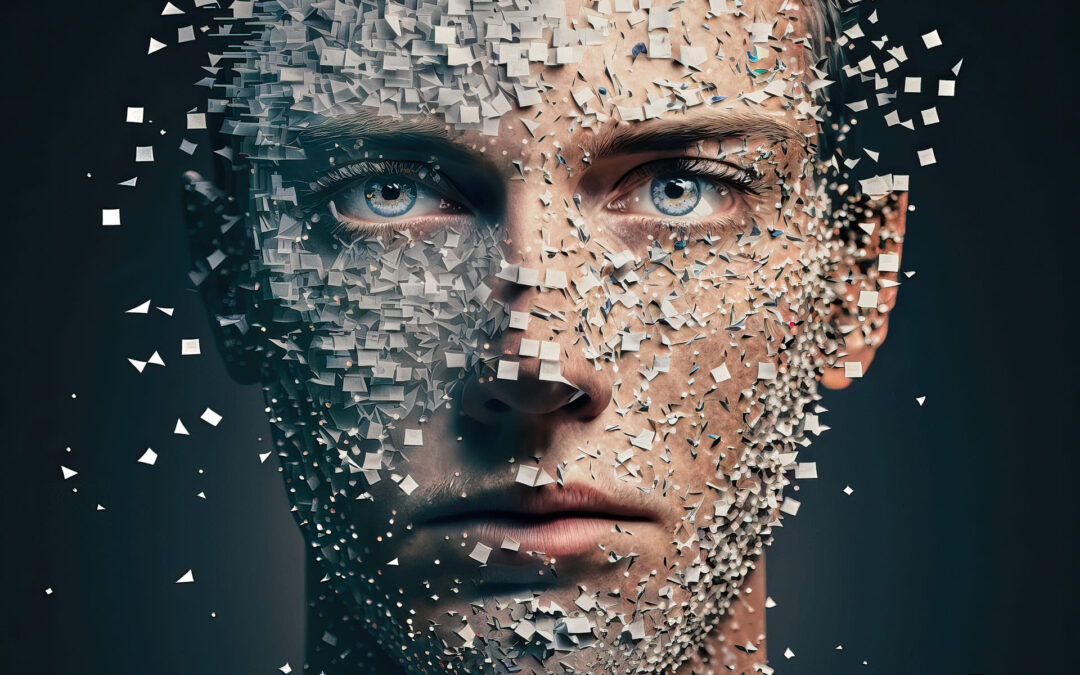
Midjourney AI, Adobe Firefly, Dall-E 2, Stable Diffusion... AI is on everyone's mind.
Camera manufacturers are still promoting their impressive AI focusing features and other innovations, while in the background, almost unnoticed, a completely new hype is emerging—one that requires no camera at all.
For a long time, the lack of innovation from established camera manufacturers has been a thorn in my side. The negligence of foregoing lidar data, HDR, or camera stacking becomes evident when competing against intelligent 3D programs. Without a depth map, subsequent lighting, depth of field, or style changes are impossible.
AI is making a broad impact here, converting millions of 2D images into 3D data, and can combine them as desired, apply lighting, and render them in any style.
Currently, computing power is still throttled, and therefore resolutions are still limited, but that can change very quickly.
After Dall-E 2, which more or less belongs to Google, I came across Midjourney AI. Setting it up via a Discord server is extremely simple and explained in numerous videos. Also on the rise is Stable Diffusion, which also allows rendering on one's own computers. Many apps also rely on Stable Diffusion, as the AI is freely accessible and offers numerous additional functions.
A new player in the game is Adobe with Firefly. Here too, I am already a beta user and am positively surprised by some of the results. However, the current winner, depending on the application, is Midjourney.
Next comes the actual image creation, which, on the user side, is done exclusively via so-called prompts. This is a precise description of the desired image with additional parameters such as:
Version --v
Aspect Ratio --ar
chaos --c
stylize --s
Quality --q
Seed --seed
Repeatable Pattern --tile
Repetitions --repeat
Multi-Prompts ::
Permutations {,,,}
Since prompts and parameters can also change depending on the version, I recommend familiarizing yourself with the Midjourney Docs here. There you will also find examples, so it quickly becomes clear what the respective parameters do.
Simplifying Complex Tasks with the Right Prompt
The prompt describes your desired outcome, how it should be processed, and which rendering methods to apply. Similar to a photographer, the prompt empowers you to create images. Midjourney then processes this prompt and provides you with 4 different suggestions.
You can then select one or more images and upscale them using the U1 - U4 buttons to increase their size. The current resolution is 1024x1024, but you can slightly enlarge images by using different aspect ratios. For instance, --ar 3:2 or --ar 2:3 are popular parameters that you can simply append to your seed.
If you are only partially satisfied with an image, you can use V1-V4 to generate variations, though these often produce inferior results. Newer methods like --repeat X are more effective. There is also a button that generates 4 entirely new images. In the current version 5.1 or 5.1 RAW, issues with the number of fingers, hand posture, feet, and similar details still occur. While improvements have been made, a thorough review of the results is always essential before publishing images or using them in further processing. Once you find your desired motif, new ideas quickly emerge, such as a classroom where 8-year-olds are experimenting with nuclear fusion.
After saving, each image is assigned the creator's name, the beginning of the seed, and a seed number. The image quality is sufficient for social media. However, if you intend to print them or sell them on stock platforms, they must be upscaled. Many tips and paid service providers for this are available online. Midjourney also offers upscaling methods, but these are generally inferior to professional AI upscalers.
Topaz Gigapixel AI and Topaz Photo AI are currently the leading upscalers on the market. Images can also be upscaled and denoised within Bridge CC or Lightroom. Topaz Gigapixel AI at x4 is currently my preferred method, ensuring the images are large enough for versatile use.
Midjourney Prompt Example with Corresponding Images:
albert einstein explains the theory of relativity to a 5 year old boy, Anselm Adams, black and white, real photography, intricate details, volumetric light, unreal engine 5, --v 4 --ar 3:2


AI in Photography or as a Substitute for Photography
AI will not replace photography, but it offers many young artists who would have previously picked up a camera the simple and cost-effective opportunity to create their own artworks with an immediate sense of accomplishment.
Midjourney is not limited to photos; it can also create illustrations, paintings, 3D, website designs, and much more.
I therefore assume that the already declining number of photographers will decrease even further. In the future, a smartphone will be sufficient to create professional images, even more so than now. Photos previously reserved for professional cameras can then be processed using RAW or Lidar depth data by RAW converters, or converted into any style by AI. This opens up entirely new possibilities that were previously only achievable through compositing.
Many new possibilities are emerging, such as creating your own 3D models and further processing them in programs like Stable Diffusion or apps that generate 3D models from multiple 2D images. Clothing, makeup, lighting, hairstyles, and locations then become superfluous and can be freely created by AI. Today, there are already apps that create 100 different photos for you for under 20 EUR. It will be very difficult for photographers to keep up. It is all the more important for photographers to understand the possibilities and limitations of AI.
Just as drones, video, 360° photos, cinemagraphs, panoramas, HDR, and similar technologies have become standard tools for photographers, AI will also become an important part of this profession. As a photographer, programmer, and web developer, I have already found several applications for it and no longer want to do without this technology. Banners, logos, backgrounds, and the texts, keywords, image descriptions provided by ChatGPT... have long been standard for media professionals.
The Controversial Perspective of Professional Photographers
From a commercial perspective, it quickly becomes clear that AI, even in its most advanced state, will not replace a wedding, family, product, or architectural photographer. Personal products or events certainly cannot be captured for a long time to come, and mobile phones do not yet offer the long focal lengths, macros, tilt-shift lenses... needed to work effectively. However, periscope cameras for longer focal lengths, etc., are already being discussed and could also capture market segments in favor of smartphones in the future.
I myself am an enthusiastic photographer and own many full-frame cameras from Sony and Canon, as well as the entire range of lenses. I am also happy to recommend smartphones to clients, as it is often forgotten what purpose the images are intended for. Ultimately, it is no longer about the technology, but about the experience of a professional photographer. This experience is also a decisive advantage when using AI.
Rejection and Disavowal of AI as an Artistic Achievement
Quite a few artists (photographers, image editors, painters, musicians, authors...) are old, slow-moving dinosaurs. I have frequently encountered the rejection and non-recognition of AI as a legitimate achievement. However, it is clear that ultimately, a paying customer decides which product they buy. Therefore, there is no point in discussing it. AI is here to stay and gets better every day.
AI provides patterns that I, as a user, must first engage with. I remain the idea generator and the one who turns the result into a product. AI is not a self-starter – it needs to be understood and operated. This requires specialists, especially when it can create programs and write texts, as with ChatGPT, or generate images, as with Midjourney and similar tools. Without a photographer's knowledge, there will be no good AI images; without a programmer, no executable programs from ChatGPT code; and without a musician, no music. However, for those who understand and can use the technology, it will save up to 90% of their time, giving them an enormous advantage.
Getting Started with midjourney.com
After logging in to midjourney.com, you'll find a user feed / ranking with numerous constantly updated images where you can copy the complete prompts to use them yourself or modify them for your purposes.
Discord
On Discord, in addition to the Newbie Section, there are many other tracked images from other users, which can also be copied completely. Since you already have this program open to use Midjourney, you can always take a look and potentially grab some great prompts.
Andrei Kovlev's Midjourney Styles Gallery
One of the most well-structured pages with examples and copy options. Everything here is neatly sorted and quickly accessible to get the right prompts for perspectives, cutouts, artists, etc.
Prompter Guide
A small but very useful spreadsheet program based on Google Sheets with all important input options and many useful detailed values that you could hardly memorize. Older versions are also individually supported.
More Online Prompters
In addition to those mentioned here, there are, of course, many other prompters. However, since I can't always visualize the result from pure prompts, I usually stick to visual platforms. However, you are welcome to gain your own experience and discover many more helpful resources by searching for Midjourney Prompts or Prompters.
Using Your Own Images from the Collection for New Prompts:
The larger your collection of good images becomes, the easier it will be to create good prompts, as you can refer back to previously used prompts. On the one hand, the beginning of the prompt is automatically included in the images; on the other hand, a seed number can also be found there. You can copy this and find it in your own Discord Midjourney feed via search or using /show job-id. This way, you can copy old seeds completely to regenerate them or reuse them in newer versions. This option is also ideally suited for property releases, as it shows the image alongside the prompt. A remix is also possible, provided it has been activated.
Discord -> /settings
To work faster and more efficiently, it's advisable to check the Midjourney settings in Discord. You can find these by typing /settings
Here, you can, for example, increase the quality --q, pre-select the version --v, or activate Remix Mode by default. The default settings may need to be adjusted when using older Midjourney variants, but this will always be indicated by an error message.
Uploading Your Own Images
Technically, it's possible to upload your own images, but they will then be public. All options are then available via the link, which can be retrieved with a right-click after uploading to Discord. Messages can be deleted in Discord, but I don't know if the image also disappears with them. Therefore, I would prefer not to work with third-party image material.
Requesting the --seed Number
Objects, including depicted faces, have a seed that can be queried. In Discord, you can have it sent to you (Envelope symbol). By using the seed, you can then reuse the same characters. Unfortunately, this is not yet possible with your own images. However, since this might be possible in more recent versions, it's always worth a try.
Your Own Images and Their Potential
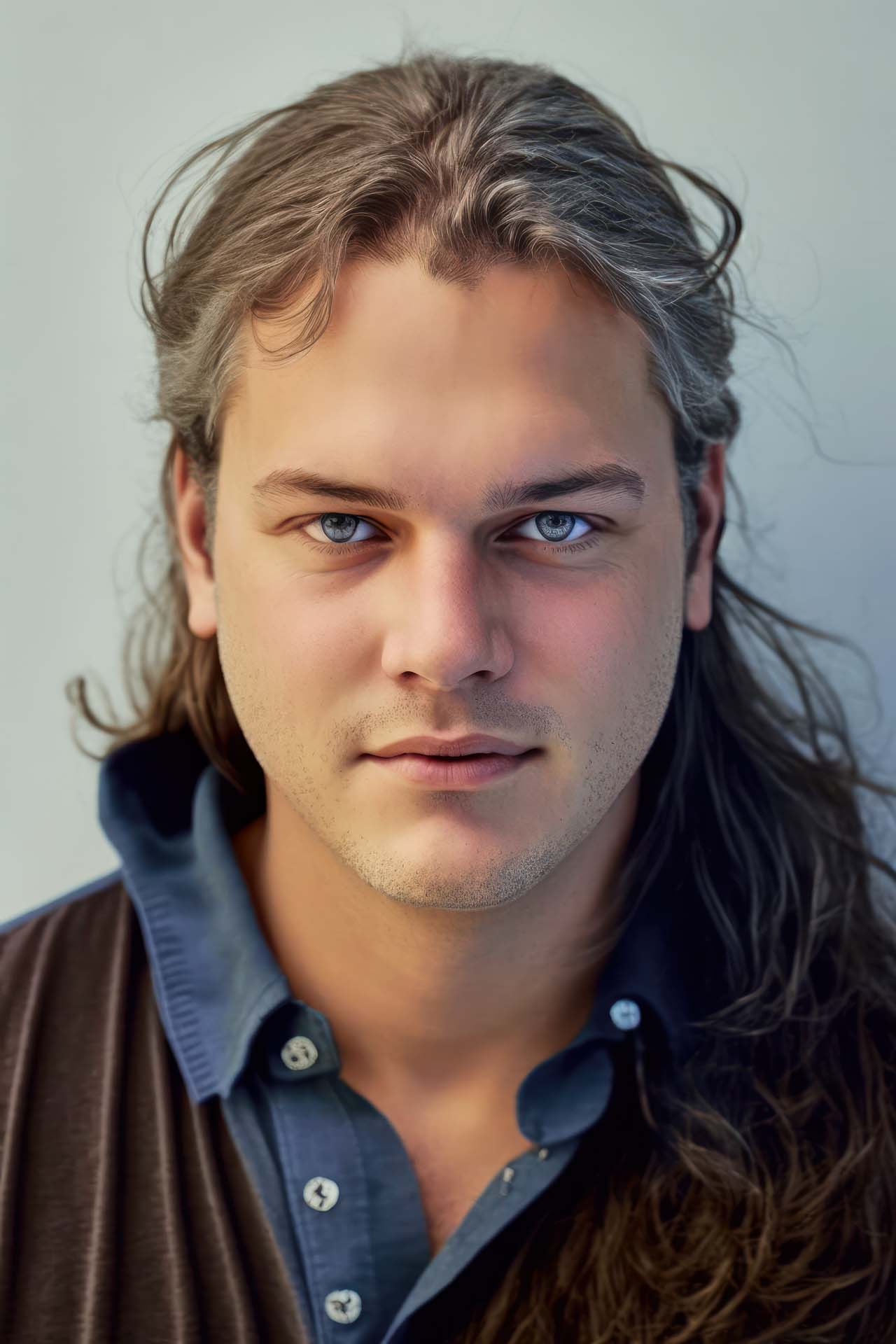
Your own images are never used directly. Midjourney works exclusively with 3D data, so an uploaded image is first analyzed and converted into 3D data. Depending on the prompts used, these images can deviate significantly from the original. Nevertheless, very authentic versions are always among them.
Midjourney can alter your age, hair, and more, which is a lot of fun and goes far beyond the capabilities of photography.
Additionally, your own images can be merged with other images to create a specific style, for example.
What I haven't managed to do so far is use the seed of my own image for other compositions. Therefore, I assume that personal images do not end up in the public 3D version, at least not directly accessible.


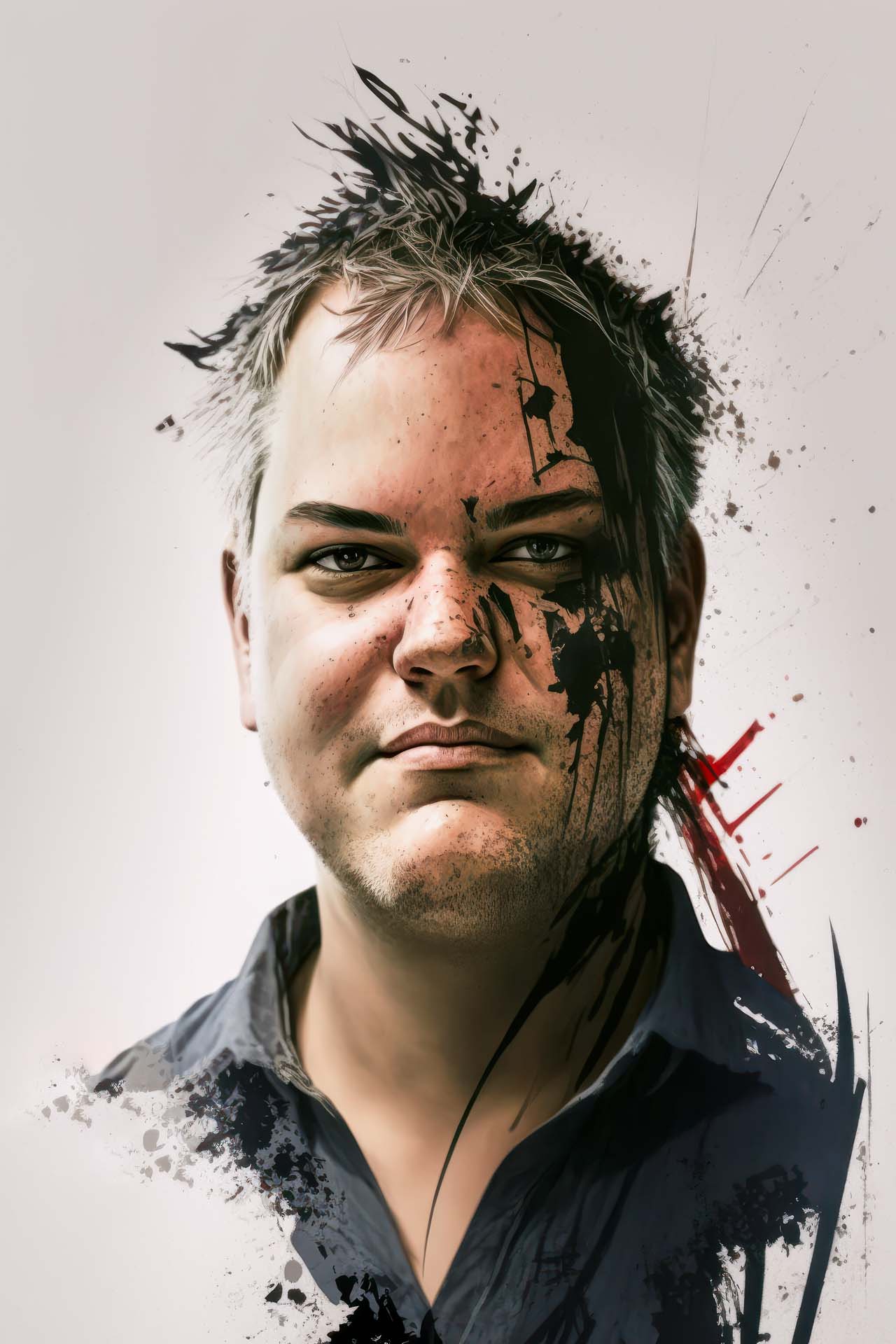
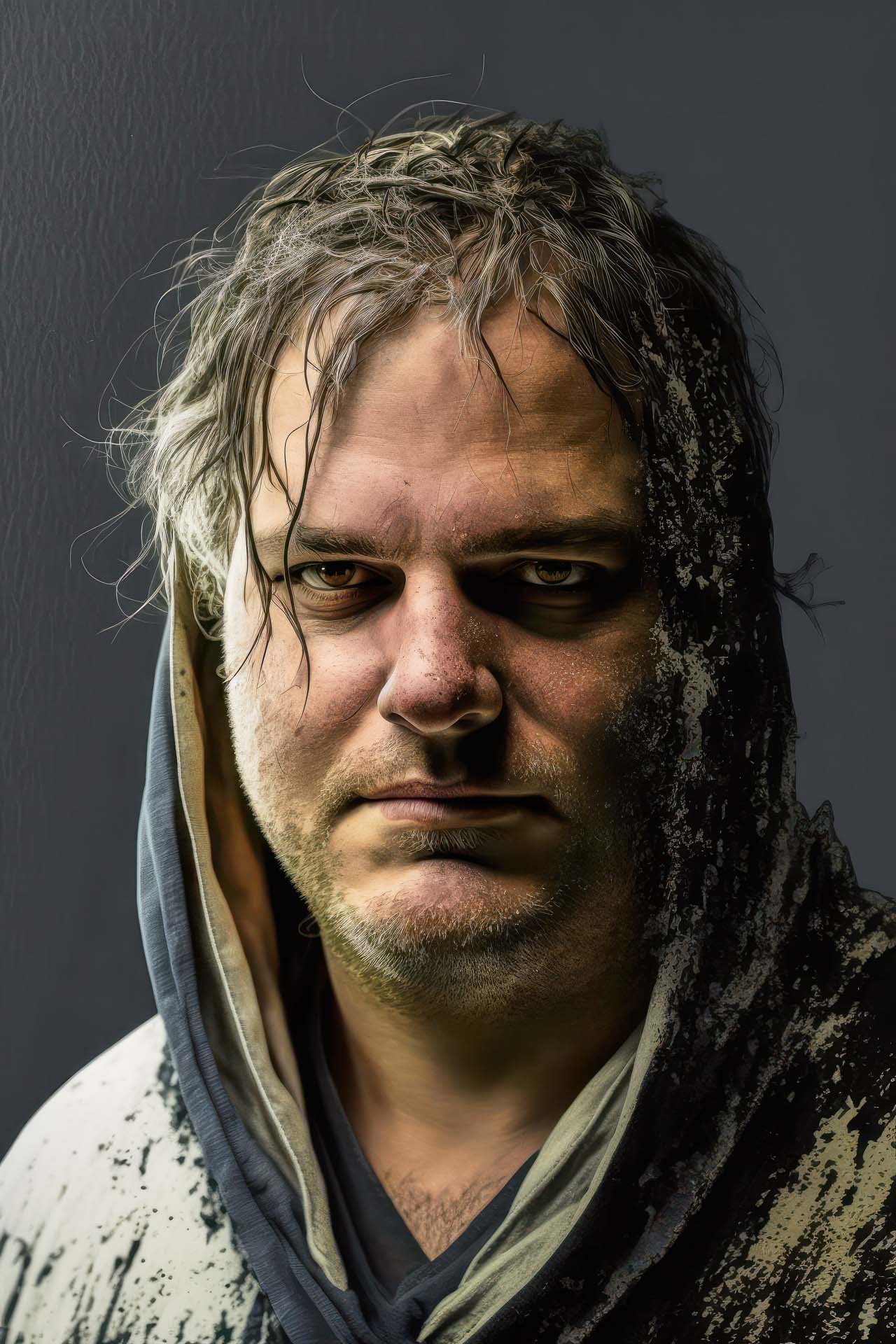


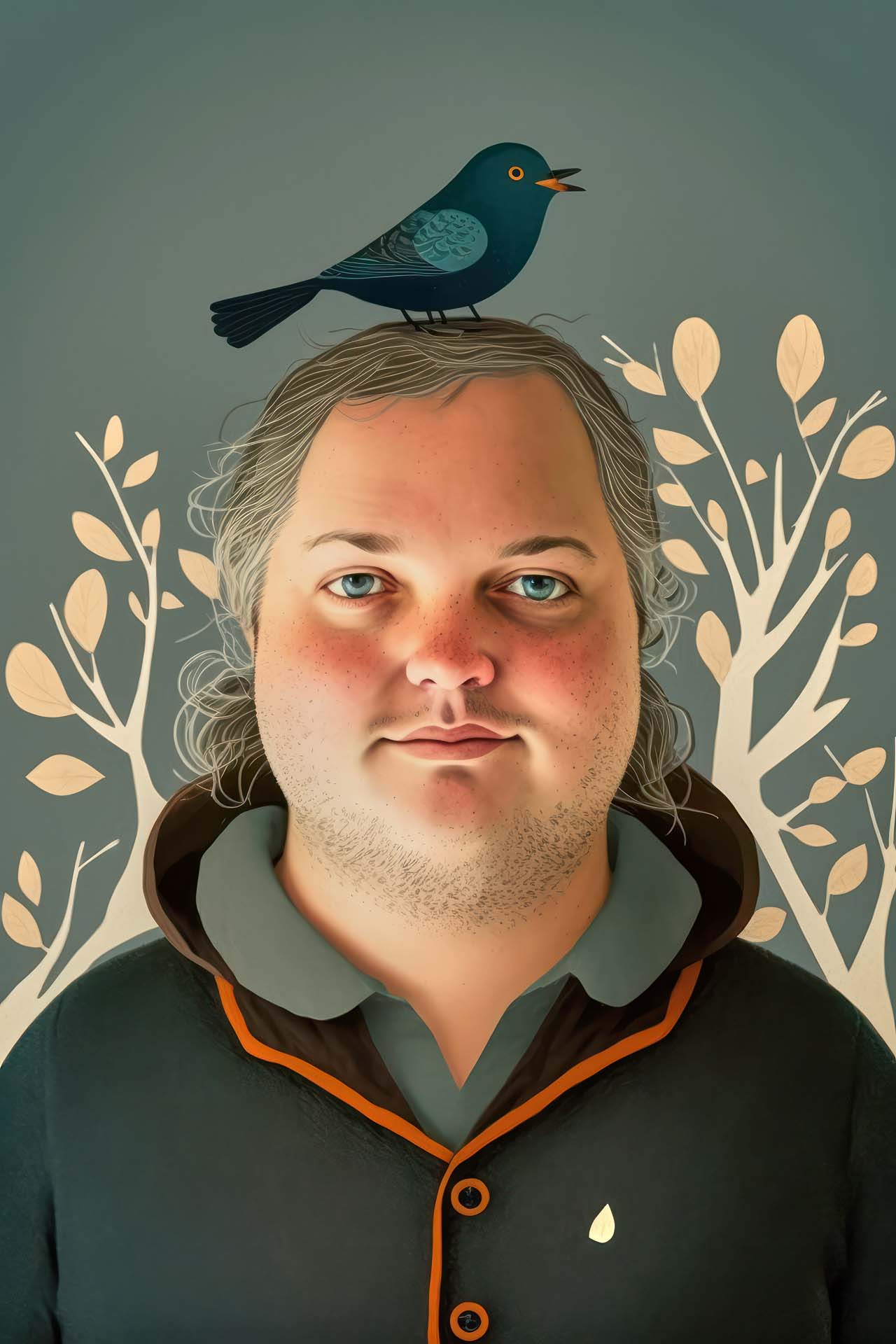


Prompt Generation with /describe
With /describe, existing Midjourney images can be analyzed, and you receive 4 suggestions for possible prompts. This allows you to quickly learn how prompts are structured and get alternative images and new ideas for their implementation.


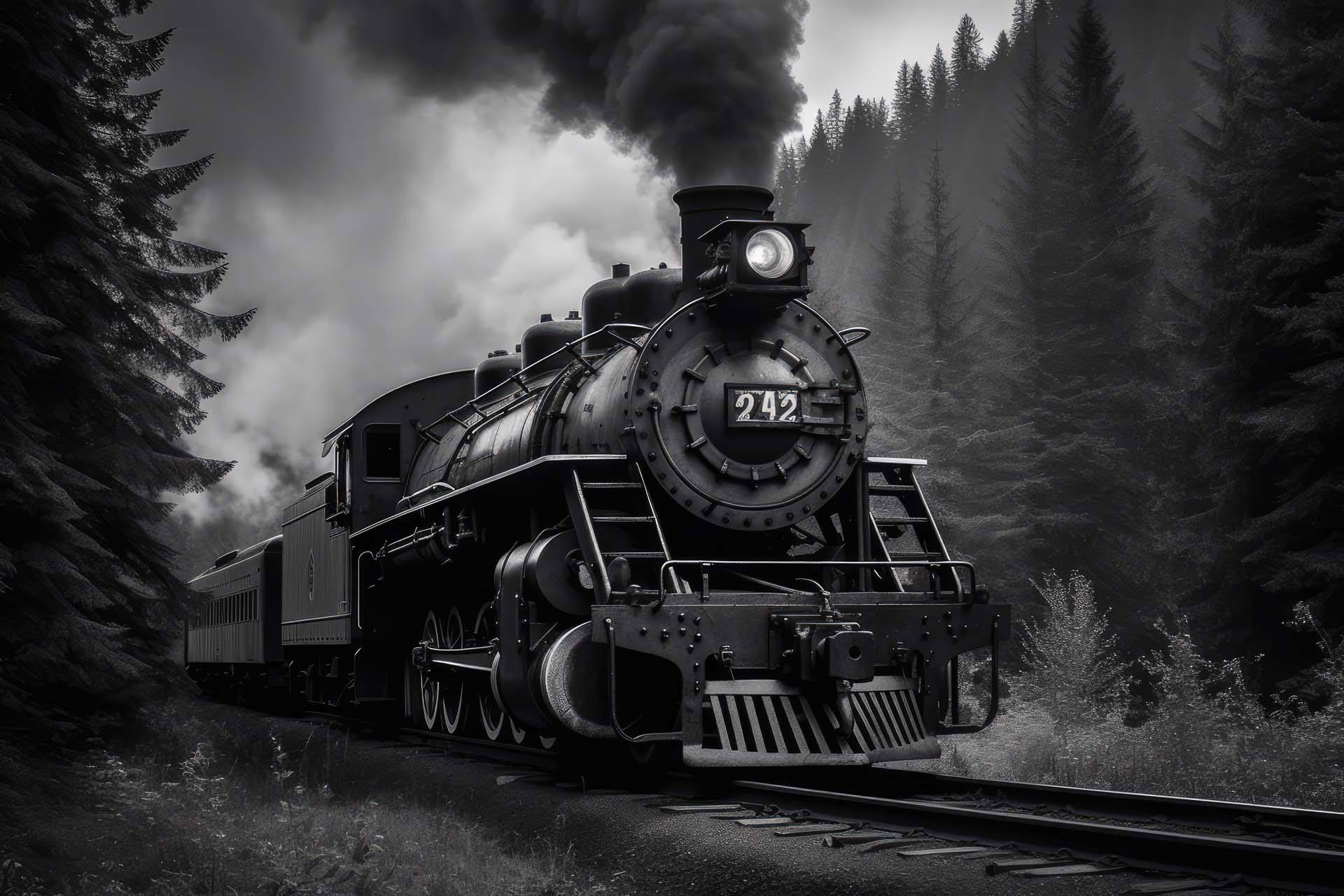


What Midjourney and other AI tools respond to best: Emotions, Facial Expressions, Moods...
If no specific emotion is indicated, characters typically appear neutral. However, the variety is immense, which is why I have compiled a list of many emotions. The English adjective (the third value in each entry) is typically used.
Midjourney usually interprets the desired expression from the prompt's context.
e.g.: a resentful woman
Nevertheless, it is worthwhile to explore the possibilities of facial expressions. I have compiled a list of possible emotions. This example, of course, applies analogously to movements, perspectives, and more. Everything can be described precisely, leading to practically infinite possibilities for representation.
German Noun, English Translation, English Adjective:
Rejection: rejection, rejected
Amusement: amusement, amused
Anxiety: anxiety, anxious (shows some resignation and emptiness)
Fear: fear, fearful (shows fear with a less open mouth, sometimes neutral)
Fright: fright, frightened (shows strong fear with an open mouth)
Apathy: apathy, apathetic
Enthusiasm: enthusiasm, enthusiastic
Gratification: gratification, gratified (currently rather neutral)
Gratitude: gratitude, grateful
Depression: depression, depressed
Jealousy: jealousy, jealous
Disgust: disgust, disgusted (captures it very accurately)
Ecstasy: ecstasy, ecstatic (exuberant joy, dynamic hair and head up with open mouth and laughter)
Empathy: empathy, empathetic
Outrage: outrage, outraged (captures it very well about 50% of the time)
Disappointment: disappointment, disappointed
Humiliation: humiliation, humiliated (currently rather neutral)
Arousal: arousal, aroused (banned prompt)
Expectation: expectation, expected
Hostility: hostility, hostile
Joy: joy, joyful
Kindness: kindness, kind (kindness shows the woman as a child; "kind" is unusable with text)Â
Frustration: frustration, frustrated
Greed: greed, greedy
Happiness: happiness, happy (strong smile)
Resentment: resentment, resentful
Horror: horror, horrified (eyes and mouth wide open)
Hatred: hatred, hateful
Hope: hope, hopeful
Interest: interest, interested
Sorrow: sorrow, sorrowful
Boredom: boredom, bored (sometimes captured very well)
Suffering: suffering, suffering (changes light, rarely also age, but captures it well)
Passion: passion, passionate
Love: love, loving
Lust: lust, lustful (banned prompt)
Distrust: distrust, distrustful
Pity: pity, pitiful (sometimes beautifully rendered, sometimes depicted as older)
Tiredness: Tired, tired (captures it very accurately)
Courage: courage, courageous
Envy: envy, envious
Curiosity: curiosity, curious
Nostalgia: nostalgia, nostalgic (clothing, hairstyle, age are adjusted)
Panic: panic, panicked (eyebrows, almost open mouth to blank stare)
Panic: extreme panic, extreme panicked (screaming, wide open mouth, pure fear in the eyes)
Panic: Terrified, terrified (often yields slightly better results)
Pain: pain, painful (rather blank, sad gaze, adds minor injuries)
Pain: extreme pain, extreme painful (rather blank, sad gaze, adds severe injuries)
Remorse: remorse, remorseful (captures it very well)
Shame: shame, shameful (changes pose, shoulder slightly forward, blank or averted gaze, sometimes text)
Pain: suffering, suffering
Shock: shock, shocked (wide eyes, open mouth)
Guilt: guilt, guilty
Timidity: timidity, timid (neutral depiction)
Self-pity: self-pity, self-pitying
Worry: worry, worried
Social Connection: social connection, connected (as with normal expressions, 50% change in light and face shape)
Pride: pride, proud
Grief: grief, grieving (changes to an older age, rather thoughtful)
Sadness: sadness, sad (age is usually maintained, captures it quite well)
Surprise: surprise, surprised (wide eyes, open mouth)
Contempt: contempt, contemptuous (currently rather neutral)
Terrified: Terrify, terrified (slightly better than panic, screaming pure fear)
Desire: desire, desirous (neutral depiction)
Embarrassment: embarrassment, embarrassed (rather unhappy blank stare)
Faith: faith, faithful (neutral, open direct gaze)Â
Trust: trust, trusting (neutral depiction)
Pleasure: pleasure, pleasurable (currently rather neutral)
Wonder: wonder, wonderful
Anger: anger, angry (ready to attack, very well implemented)
Satisfaction: satisfaction, satisfied (slightly above normal, well implemented)
Affection: affection, affectionate (expresses by pressing hands, people, or clothing close; good facial expressions)
Doubt: doubt, doubtful (rather normal, but well captured)
Shyness: shyness, shy (a somewhat softer, more sensual, neutral depiction, quite good)
Extreme Shyness: extreme shyness, extreme shy (Mary-like depiction with hoodie, scarves)Â
Photorealism
Often, the goal is to achieve photorealistic representations. In current versions, it's usually sufficient to include nothing or "Photo" in the prompt. When reviewing tutorials, the following prompts prove useful:
award winning studio photography, professional color grading, soft shadows, no contrast, clean sharp focus
Photo Styles
Simple and quick style changes:
magazine photography
analog film photography
digital film photography
cinema film photography
national geographic
Or you can specify artists or styles directly.
by Annie Leibovitz, Anselm Adams
These can also be combined. A wide selection of artists can be found, for example, here: https://ckovalev.com/midjourney-ai/styles
But there's another way...
Today, I create my prompts using ChatGPT or browse the LAION-5B-H14 database for striking content. However, it is often sufficient to write a good English prompt with the desired content. In version 5.1, short prompts are also allowed again, and these usually deliver very good results. Ideas emerge during work or when generating stock images by analyzing potential concepts. Essentially, all motifs can already be generated well. However, in detail, problems can still be found in the eyes, eyelids, hands, and so on. Therefore, a very close look at the result is always needed. You will quickly identify all errors and then delete or correct these images.
I have created a project for my stock images, and many examples can now be found there. You will also find much more information under AI . However, this page will remain for now, as it clearly illustrates the original idea behind the prompts. In the future, photography will certainly be supplemented with AI, and then this page will be updated here.